FOR OWNER-OPERATORS AND FLEETS
Your trucking business.
In full view.
One truck or a whole team, RoadHQ keeps the work around each load connected—from driver paperwork to office follow-up.
Explore RoadHQPreparing for a limited pilot
INSIDE ROADHQWEB HQ / LOAD RECORDS
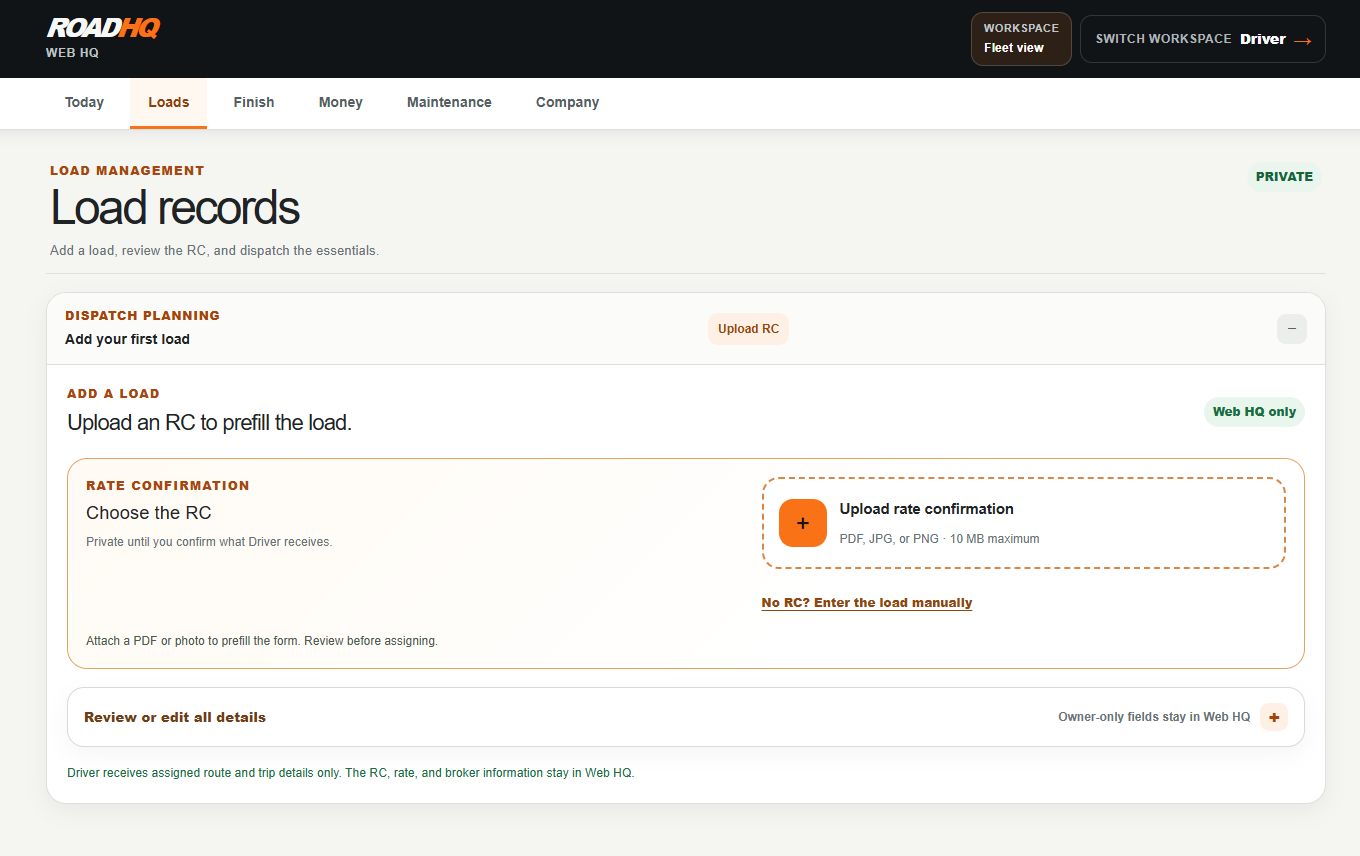
Actual RoadHQ screens.
LOADS / PAPERWORK / MONEY / MAINTENANCEA CLOSER LOOK
Loads, expenses
and the next step.
Plan the load.
Review the rate confirmation, assign the trip and share its details.
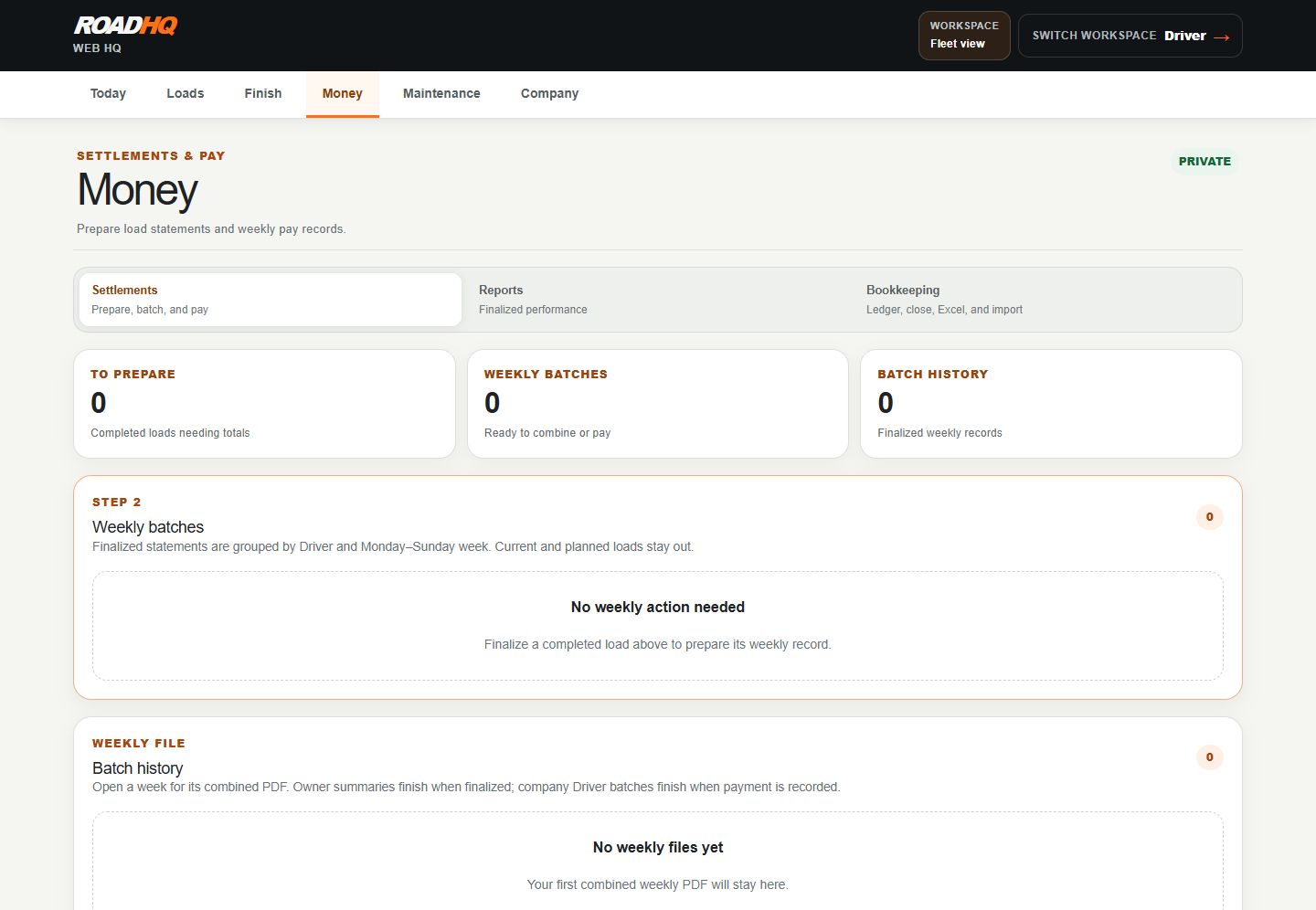
Review the numbers.
Prepare statements, review weekly pay and open reports or Bookkeeping.
ROADHQ / DRIVER PAPERWORK
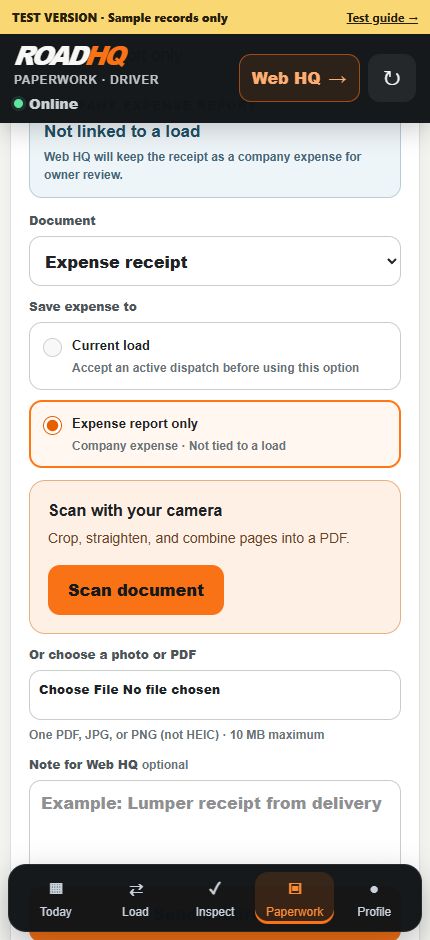
Actual mobile interface
FROM THE ROAD TO THE OFFICE
Paperwork,
without the chase.
- 01
Capture.
Scan receipts and documents while safely parked. Keep originals until receipt is confirmed.
- 02
Review.
Check expenses, mileage and paperwork against the original records.
- 03
Finish.
Prepare invoices and track receivables, maintenance and inspection follow-up.
A closer look.
LIMITED PILOT
Interested in the pilot?
Tell us about your operation and what you’d like to improve.
Ask about the pilothello@roadhq.app
Opens a six-question email. Pilot access is arranged with our team.
Good to know.
Can I sign up now?
We’re preparing for a limited pilot. Contact us to discuss access. Existing users can sign in above.
Does RoadHQ send invoices or take payments?
RoadHQ prepares invoices and tracks receivables. Invoice sending, payment collection, bank reconciliation and outside accounting updates happen separately.
How do I get support?
Email support@roadhq.app. Coverage is agreed before the pilot. Keep private records out of initial inquiries.