Trucking receipt management
Trucking receipt
management.
Scan receipts and send them to the office with the right load.
Preparing for a limited pilot
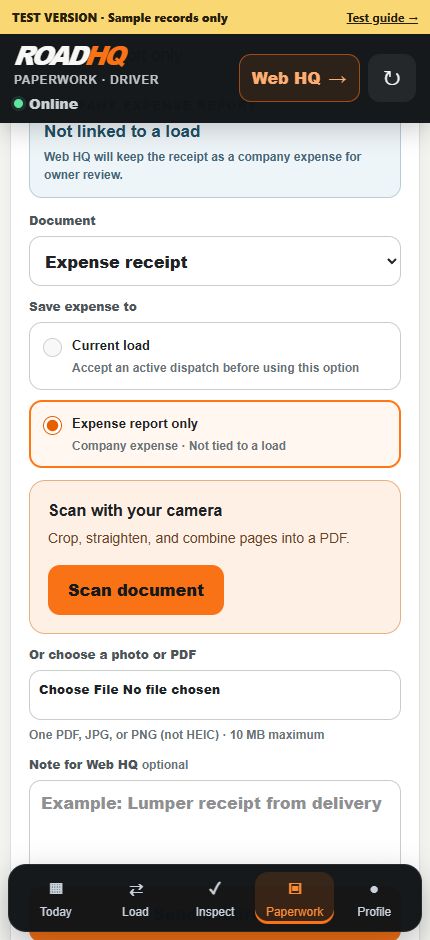
Capture. Confirm. Review.
Capture.
While safely parked, select the load, scan or attach the receipt and check the whole page is readable.
Confirm.
Wait for received confirmation. Keep waiting files and retry the existing submission.
Review.
Authorized staff compare the details with the original before approving the expense.
If receipt is confirmed but reading is delayed, review the saved original instead of uploading it again.
Saved-file retries do not provide full-trip offline operation.
Preparing for a limited pilot
Interested in the pilot?
Ask about the pilot
Opens an email with six questions for you to complete and send. Pilot access is arranged with our team.
hello@roadhq.app